

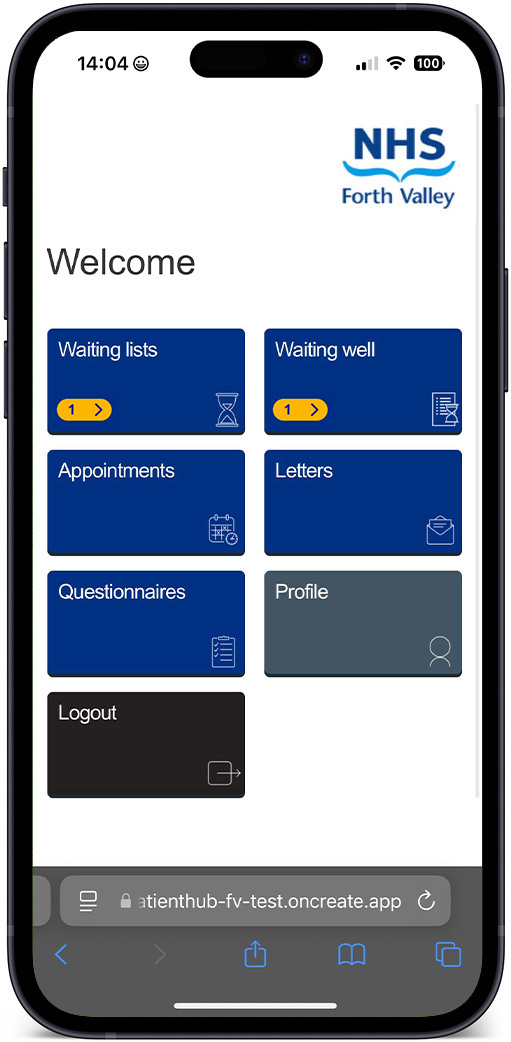
 Patient Hub is an online system where you can access important information about your treatment and appointments on your mobile phone, tablet or computer.
Once fully developed, Patient Hub provides:
- updates on any referrals
- details of hospital appointments – including how to confirm, reschedule or cancel
- health questionnaires and surveys relating to your appointment, if required
- digital copies of letters and patient leaflets with information and advice
Future development: NHS Scotland is developing a national digital service, MyCare.scot, to bring health and care information together in one place. Over time, some online appointment features currently available through Patient Hub are expected to be provided through MyCare.scot.
Why is it being introduced?
Patient Hub is being introduced in NHS Forth Valley to improve patient communications and allow you to manage aspects of your appointments online. It also supports the move to more joined-up digital services across NHS Scotland.
How will it work?
You’ll receive notifications via your mobile phone, email or landline when your referral has been accepted onto a waiting list.
Once your appointment has been scheduled, you’ll receive a message with a link asking you to log into Patient Hub and view your appointment options.
Patients attending some outpatient clinics will also receive information via Patient Hub with details of how to confirm, reschedule or cancel appointments online. Similar features will be available through MyCare.scot as services develop.
How to use Patient Hub
Need help using Patient Hub? The video playlist below includes short videos explaining the main features.
Frequently asked questions
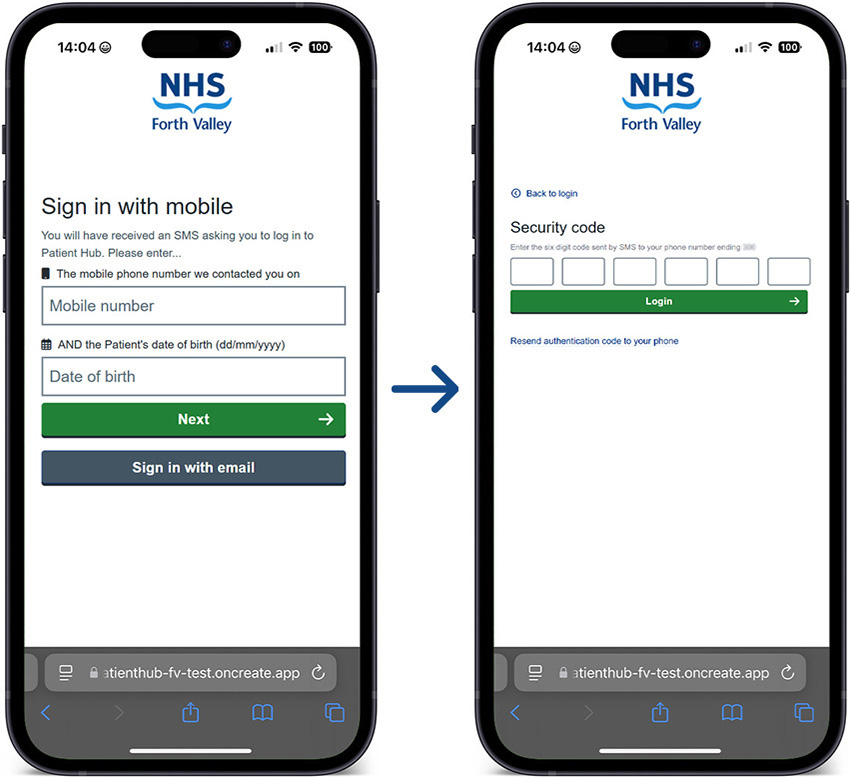
Please follow the steps below:
- You’ll be asked to enter your mobile number or email address and your date of birth.
- You will then be sent a 6-digit authentication code by text message or email.
- Enter the 6-digit code. Please be aware the authentication code will expire in five minutes.
- Then you will be securely logged into Patient Hub.
Over time, some features currently available in Patient Hub may move to MyCare.scot. Patient Hub will continue to be used for specific services in NHS Forth Valley while these changes take place.
If you do not have access to a mobile phone or email, don’t worry – you will continue to receive your appointment letter by post, along with any other information you need.
Reviewing waiting lists
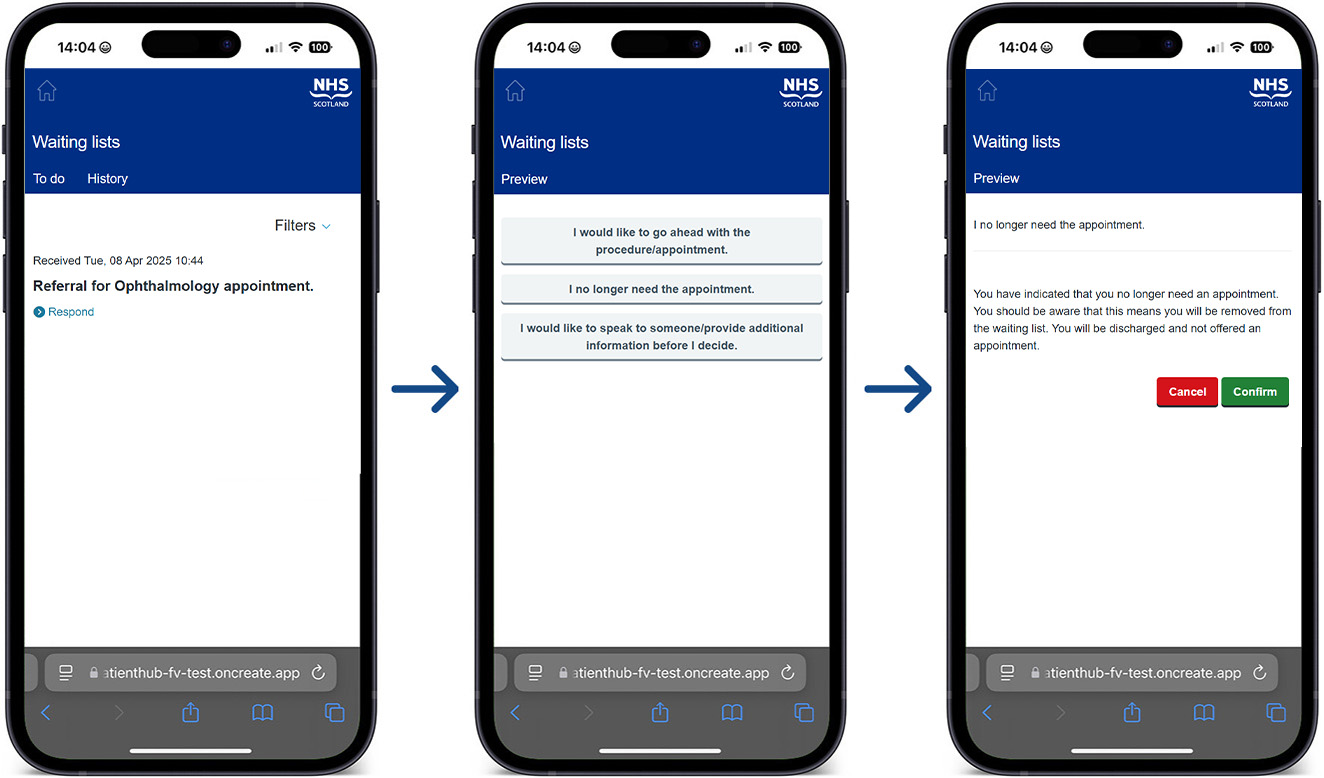
- Patient Hub will also be used to confirm whether your referral or appointment is still required while you remain on the waiting list.